
LoftNumYOUR PHOTO-TO-CREATION STUDIO
Your photo.
The star of an AI video.
Pick a template on LoftNum, add your photos, and put yourself and your friends in the scene. Or give a favorite photo a whole new look.
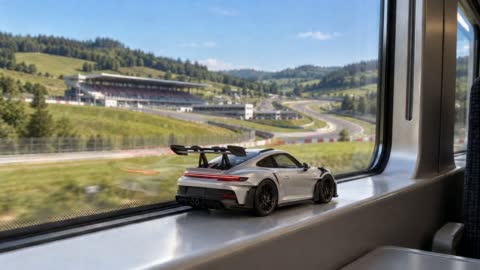
Toy Car to Real CarMake my own
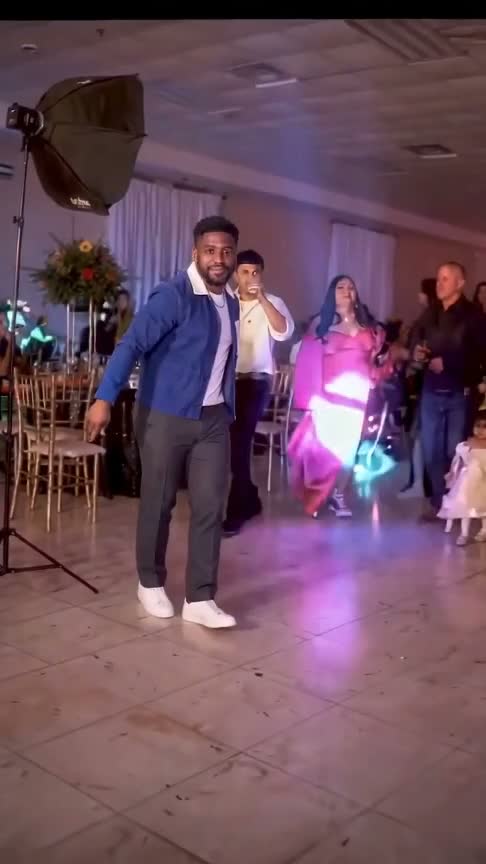
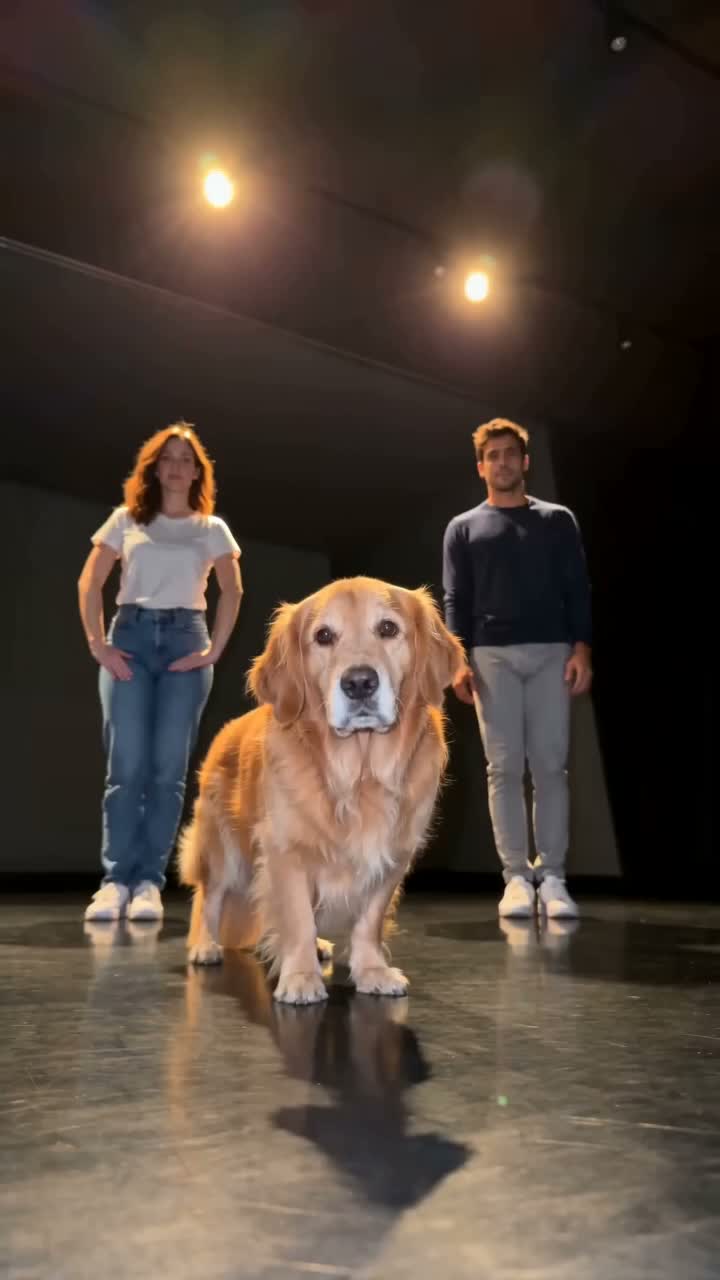
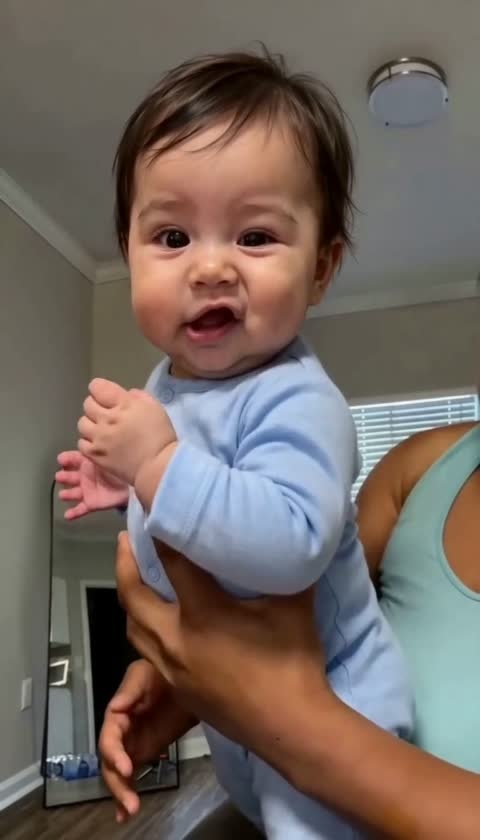
What can you make with LoftNum?
An AI studio built around ready-made video templates and photo effects. You bring the photos; the starting idea is already here.
YOUR PHOTO, IN THE SCENE
“Join a kitchen duet, take the lead in a party scene, or give a best-friend photo a pink-and-blue makeover. Choose a template and add your photos to begin.”
Choose a template. Add your photos. Make it yours.
From your photos to your finished creation
Four simple steps, with the credit cost shown before you generate.
STEP 01
Pick your template
Watch the complete sample and choose a video or photo effect you want to make.
STEP 02
Add your photos
Duets use two portraits. Burning Bridges uses one lead portrait. Halloween uses one photo; TV Girl needs one photo with two people.
STEP 03
Check & generate
Check the photo roles or effect settings and confirm the credit cost. Then start generating.
STEP 04
Generate & save
Follow progress while your work is created and checked. Find the finished file in My Creations and download it.
Made with your photos
Video edits
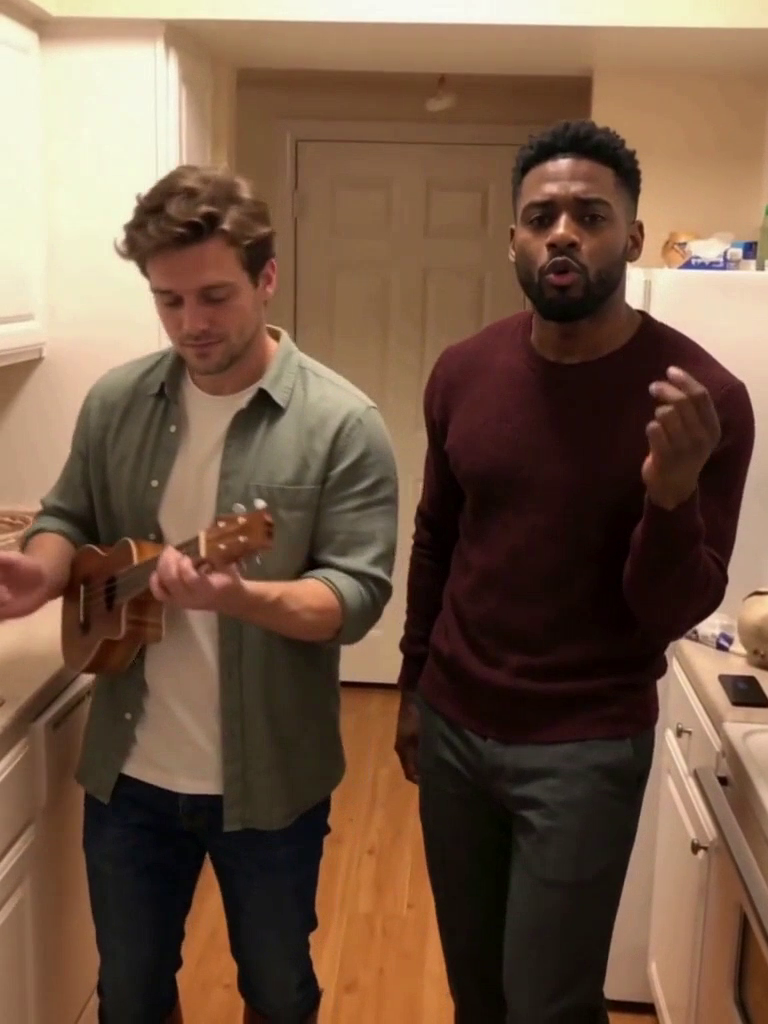
Your faces. A tiny performance.
One sings, one plays. Add two portraits to the kitchen duet — the performance template is already here. No video upload needed.
Use this templateVideo edits
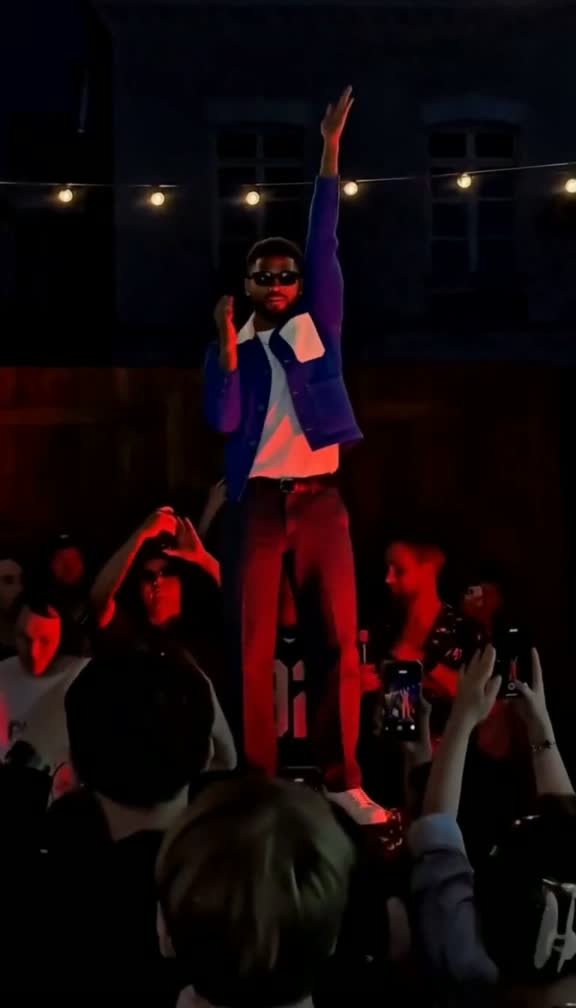
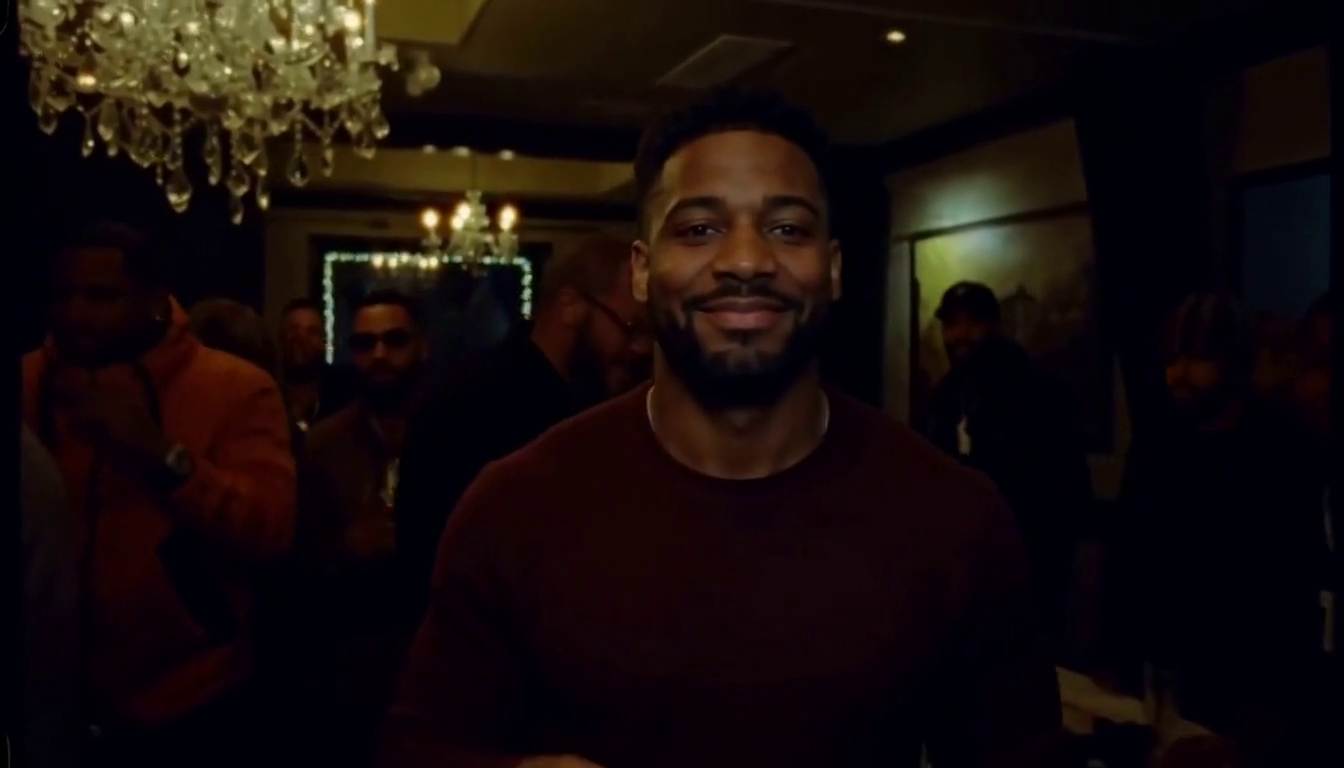
Take the lead in a party scene.
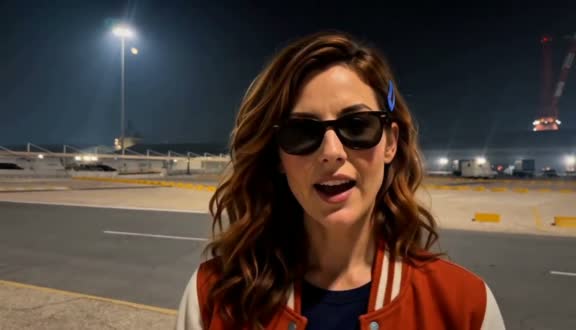
Add one portrait to Burning Bridges. Replace the lead while keeping the template’s movement, party setting and original sound.
Use this template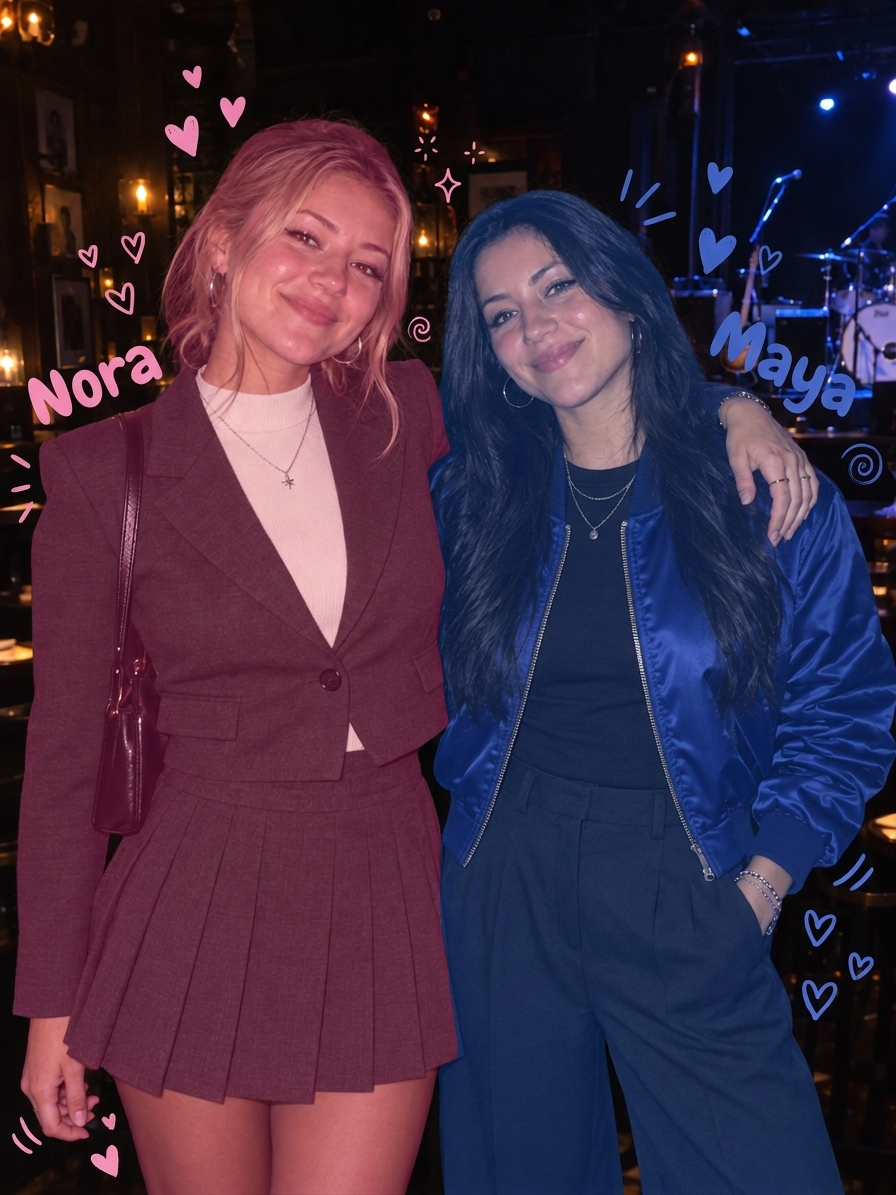
Photo edits
A photo worth sharing.
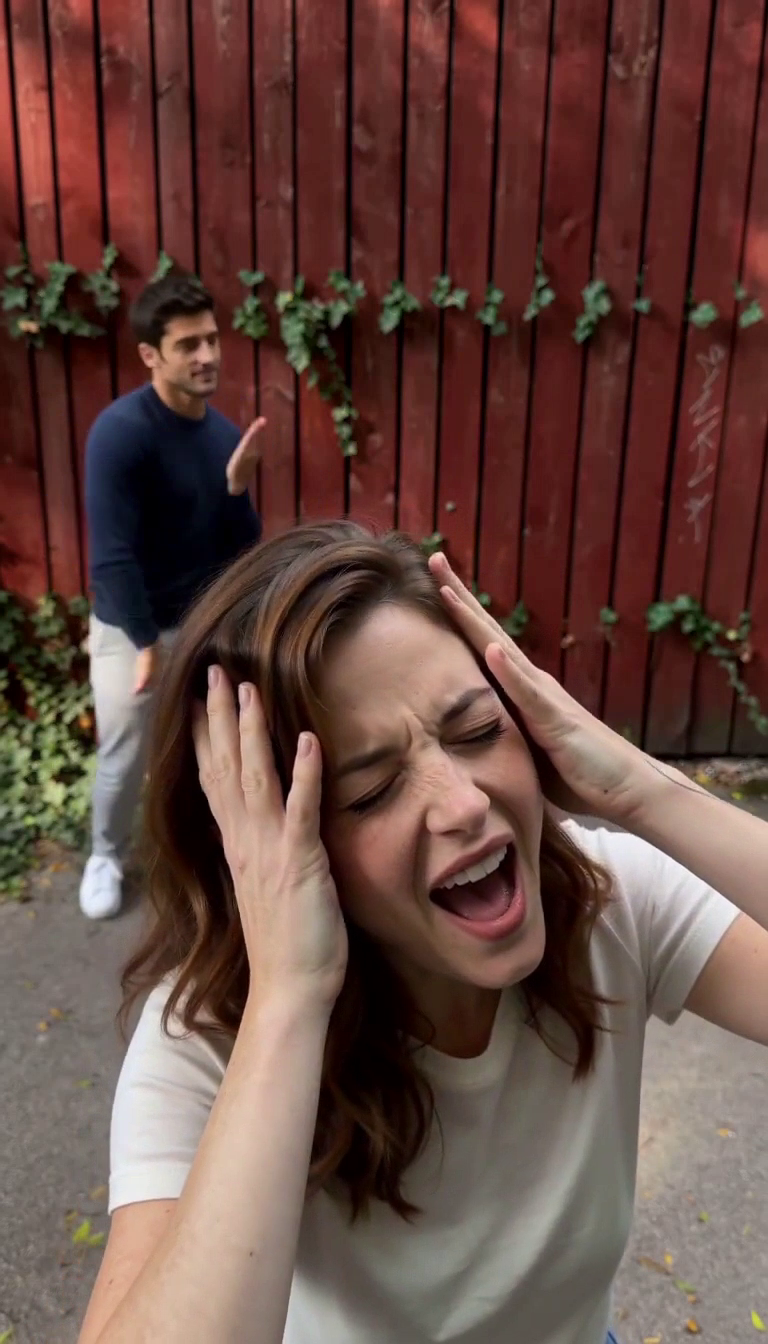
Turn a best-friend photo pink and blue, with see-through color, doodles and optional names. Choose the colors; we make the edit.
Use this templateWhat will you make today?
Find a look you love. Open a sample, then make it yours.
Everything you need to make it yours
Start with your photos
Follow clearly labeled photo slots. The template is ready, so you don’t have to upload a source video or write a prompt from scratch.
Video and photo, in one place
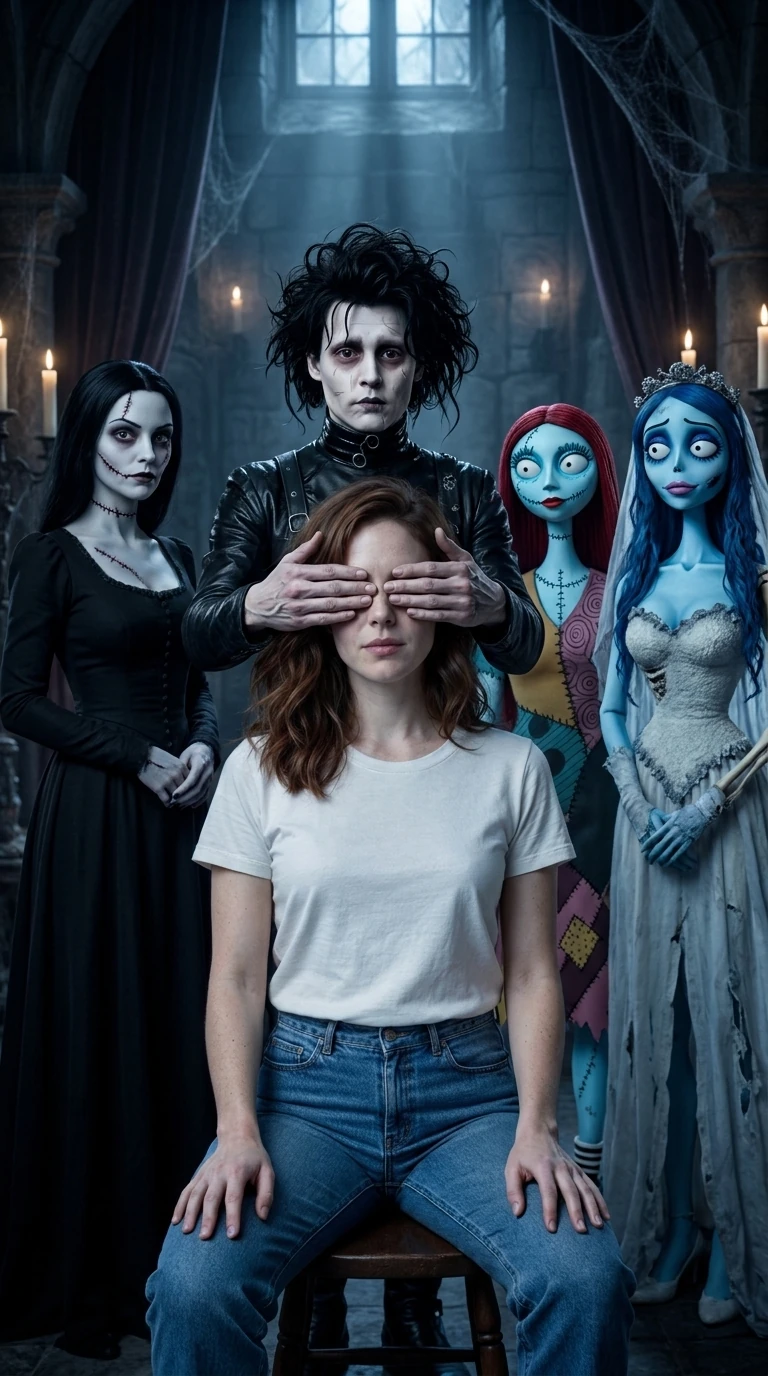
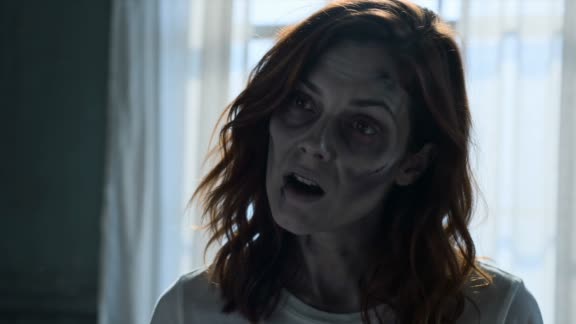
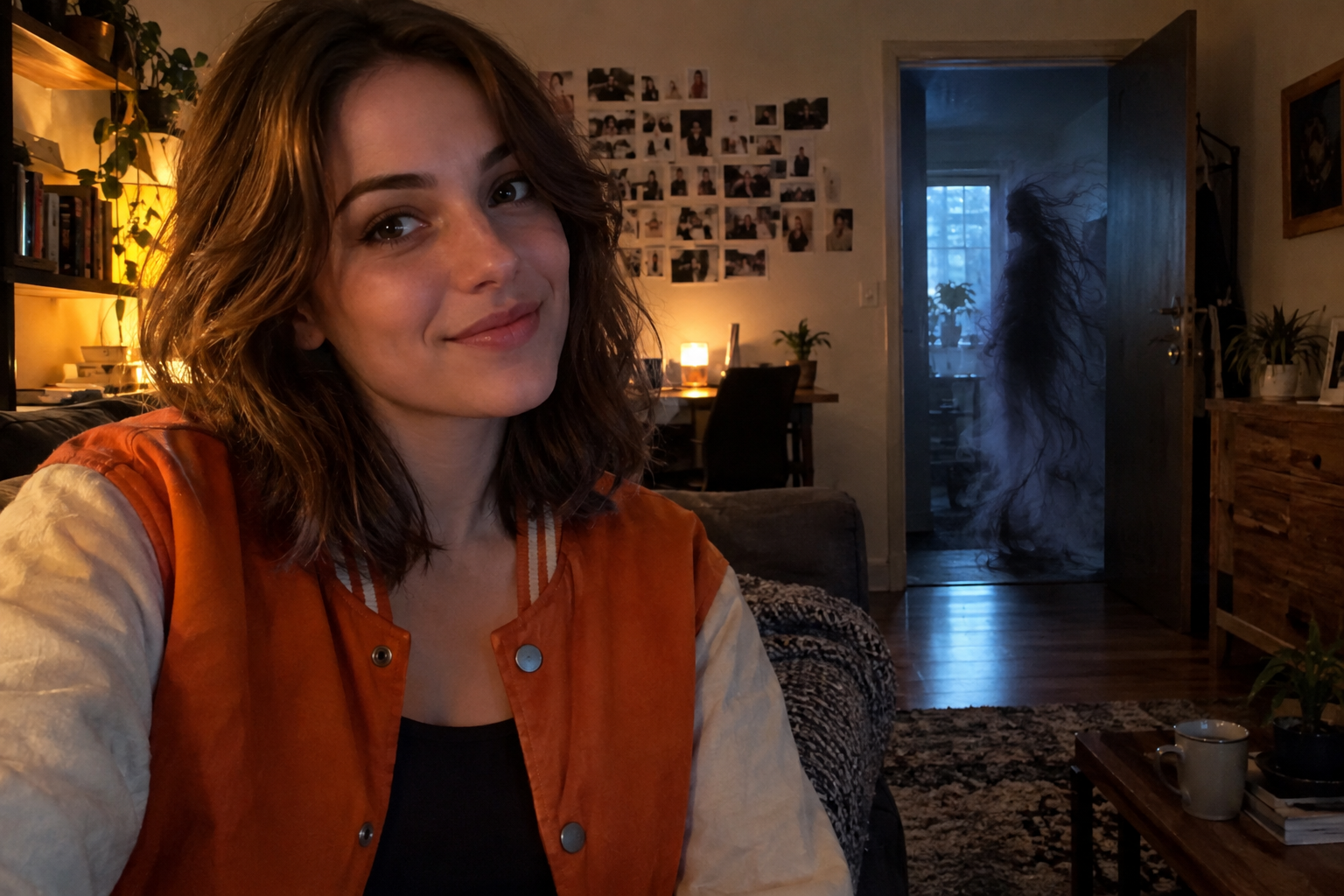
Choose a musical duet, a party scene, a pink-and-blue photo edit or a spooky addition to your own picture.
One-time credit packs
Buy credits when you need them. Each generation shows its cost before you confirm; there is no recurring subscription.
See the whole picture
Watch landscape and portrait examples in their original proportions. Each template keeps its own format.
Know what’s happening
Follow the generation and review stages. Your result is checked before it becomes available in My Creations.
Keep your creations together
Find finished work, return to a pending task and download your own results from My Creations.
A little help before you create
BlogBuy credits. Create when you want.
One-time credit packs. Each experience shows its credit cost before you generate. No subscription or automatic renewal.
Charged in the selected currency. Same credits.
Try it
$5.99
One-time payment
600 credits
Make 1 videos
Or 60 photo edits using the same credits
About $5.99 per 15-second video, using this pack’s credits
- Use your credits for videos and photo edits.
- Credits returned if a task fails
- Credits valid for 12 months
Save ~16.5%
Keep creating
$29.99
One-time payment
3600 credits
Make 6 videos
Or 360 photo edits using the same credits
About $5.00 per 15-second video, using this pack’s credits
Per credit, compared with Try it
- Use your credits for videos and photo edits.
- Credits returned if a task fails
- Credits valid for 12 months
Save ~24.1%
Make more
$49.99
One-time payment
6600 credits
Make 11 videos
Or 660 photo edits using the same credits
About $4.54 per 15-second video, using this pack’s credits
Per credit, compared with Try it
- Use your credits for videos and photo edits.
- Credits returned if a task fails
- Credits valid for 12 months
A few things to know
Which background will my creation use?
Kitchen Duet, Smalltown Boy and Burning Bridges use their supplied video scenes. Halloween and pink-and-blue photo edits use your uploaded photo’s setting. Custom backgrounds and background-photo uploads are currently unavailable.
Can I buy credits and create now?
Yes. Available templates use one-time credit packs. Each editor shows its credit cost before you generate. There is no subscription; AI results can vary from the examples.
Are the people and placement always exact?
AI results vary. Photo roles and suggested effect positions guide the result; they do not guarantee an identical face, perfect lip sync or unchanged pixels.
Do I need to select or trace each person?
No. Upload one two-person photo and choose the colors. AI adds translucent tints, cute decorations and your optional names, aiming to keep faces and photo details visible. Results can vary, especially where people overlap.
TV Girl Photo Editor — Does it make a video?
This experience makes a static PNG photo. It does not include music, album artwork or a reveal animation.
Which photos work best?
Choose exactly two people with clearly visible outlines. Overlapping hands, hair and crowded scenes can affect the result. AI edits may vary; a new generation uses credits.
Your photo. The star of an AI video.
Choose a template. Add your photos. Make it yours.