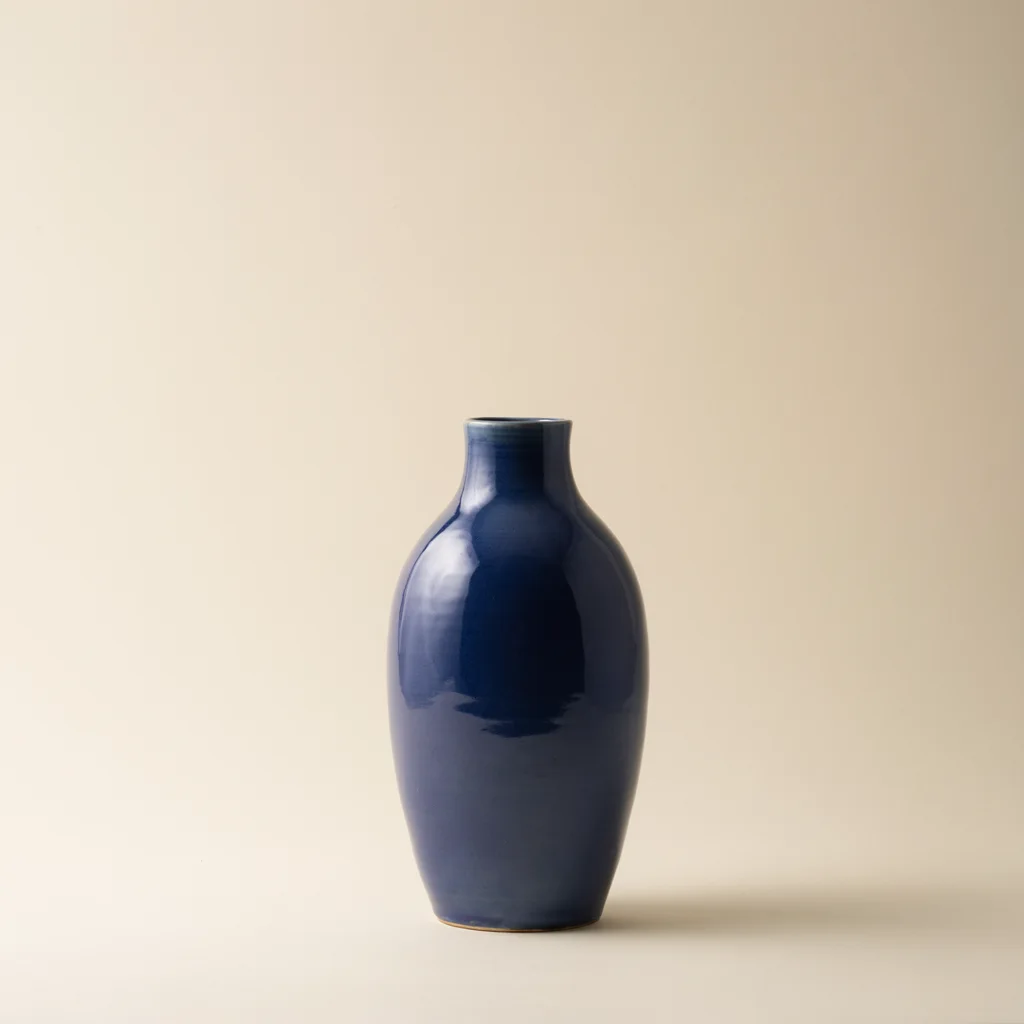
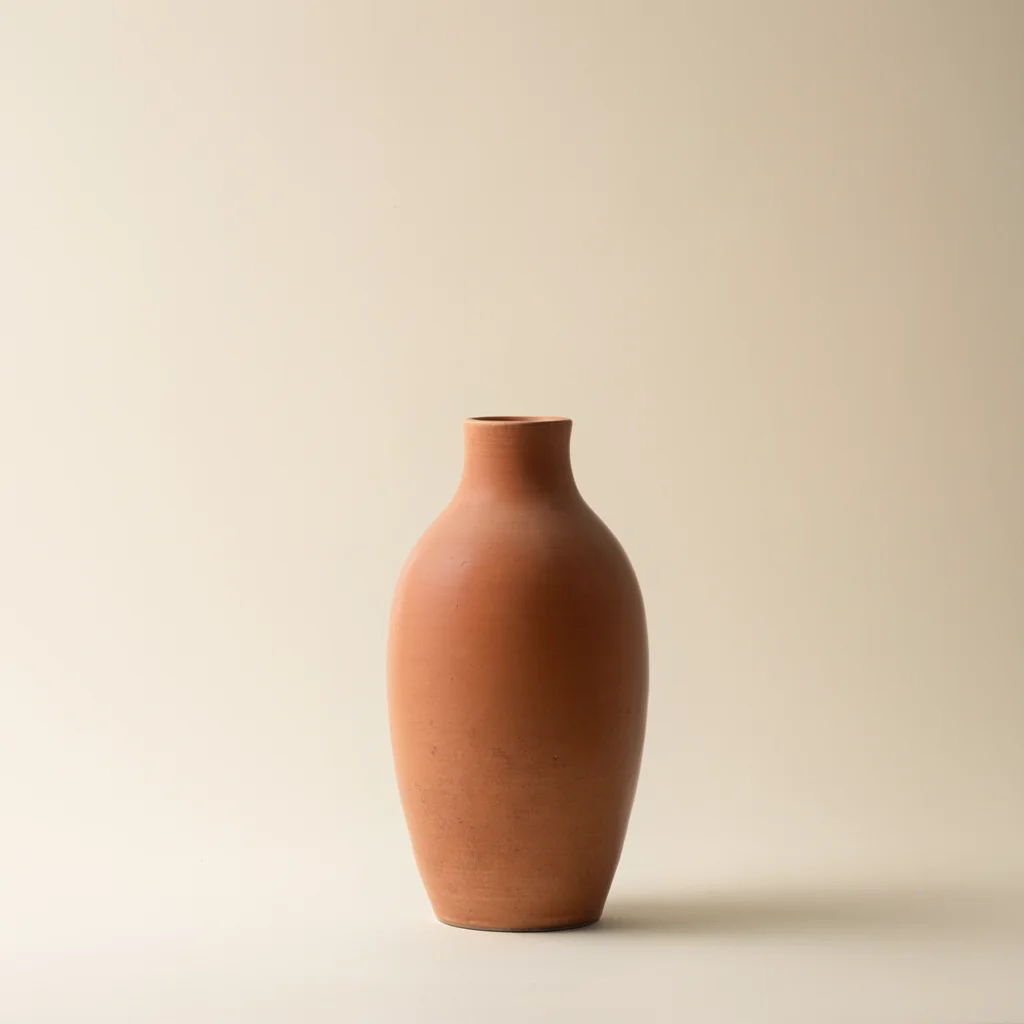
Before · saved model outputAfter · real Ideogram 4.5 edit
Request: change the blue vase to warm matte terracotta while keeping its shape, setting and lighting. These saved results were produced with Ideogram 4.5 through fal.ai. Browsing them does not call a model.
Describe one specific change
Identify the object and its position. Name a target color, then list the important details you want preserved. Start with one object rather than a scene full of similar items.
Example: “Change the vase to sage green. Keep its shape, pedestal and background as close to the original as possible.”
Check the result closely
Color, material, reflections and lighting interact. A generated edit may also alter texture or nearby details. It is a visual concept, not a guarantee of an exact manufactured finish or color specification.
Every submitted edit uses credits. The cost is shown before submission.
From upload to download
Buy credits and choose a PNG, JPEG or WebP under 4 MB.
Select Edit image and describe the color change.
Review the result and download it within seven days.